


Landing pages for coaches

A coaching page people trust.

(without another "unlock your potential" headline.)

One short email a day on making your page work. Leave whenever you want.

The figure inviting someone to sit down for a chat
What your clients look for

Three things they check first.

  1. 1

    How you work with people

    What a session looks like, how often you talk, and what happens between calls.

  2. 2

    What you believe about their problem

    Your take on why they're stuck. If it sounds like every other coach, they keep scrolling.

  3. 3

    That you're a real person

    Your own face and your own words. Coaching is personal, so a stock photo works against you.

The first screen

Make the headline about them.

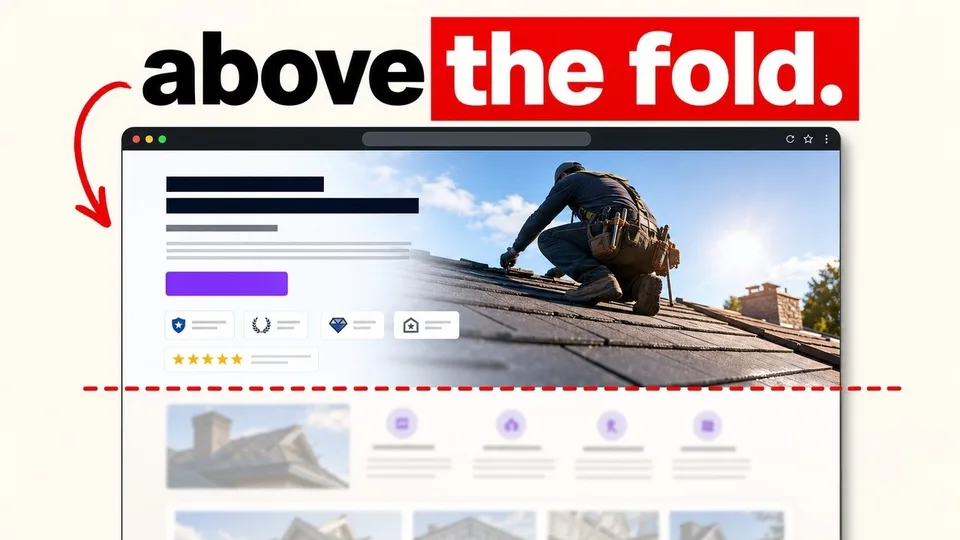
(most visitors decide here, before they scroll.)

Instead of
“Unlock your full potential with personalised coaching.”
About you, and it could be anyone's.
Try
“Run your first marathon in 16 weeks, without getting injured on the way.”
What they get, how long it takes, and their biggest worry.

I can give you X, it is going to take Y, and you will not have Z.

Kārlis Micpaps

A note for coaches Inbox

Kārlis Micpaps
to me ▾

Hi,

Coaching pages tend to open with the same promise. Unlock your potential. Find your clarity. Become your best self. You've read them. So have your clients.

Coaching is personal. Before someone books a call, they need to feel two things: that you get their problem, and that they could talk to you.

A headline about you can't do either. A headline about them can.

So say what changes for them, how long it takes, and what they're worried about. Then show your face, and say plainly how you work: how often you meet, what happens between sessions, what you won't do.

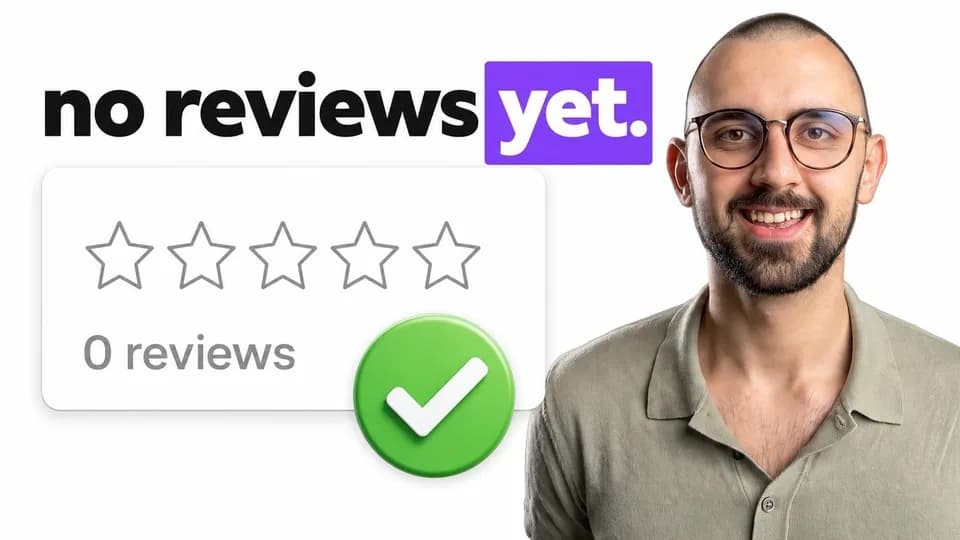
No testimonials yet? A review has one job, lowering the risk of choosing you. You can lower the same risk with your face, a video of how you work, and a guarantee you can honour.

One clear page beats a big site nobody reads.

-Kārlis

How to build it

Four parts, in order.

  1. 1

    The headline

    What changes for them, how long it takes, and without their biggest worry.

  2. 2

    Trust

    Your face, how you work, and anything that lowers the risk of booking you.

  3. 3

    The button

    Say exactly what happens when they tap it. Book a call.

  4. 4

    The image

    A real photo of you, not a stock handshake.

Free tool

Check your own first screen.

11 yes or no questions, about 2 minutes. You get a score and what to fix first.

Start the check
FAQ

Before you ask.

Anything that lowers the risk of choosing you: credibility borrowed from where you trained, a video of how you work, and a guarantee you can actually honour. Never promise one you can't.

If the only thing in your pricing section is a number, the lowest number wins. Show a price signal, and put what moves the price beside it so the number isn't the only thing they compare.

It depends on where your customers come from. If you send the people (ads, social, referrals), build a landing page. If Google sends them, build a website. If you have both, build the landing page next to the website.